The problem
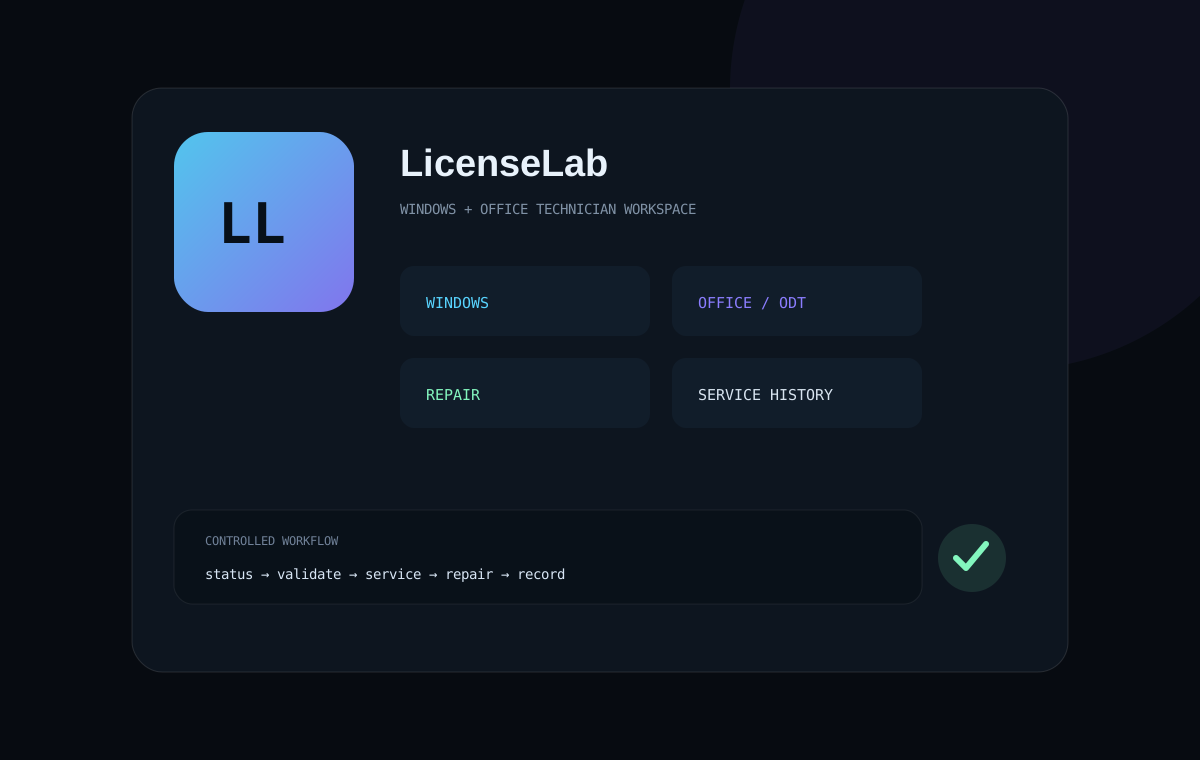
Windows activation status, Office licensing, Office deployment, system repair and technician records are normally handled through separate commands and utilities. That creates a fragmented workflow.
A controlled servicing workspace
LicenseLab groups authorized licensing and deployment operations into a single technician-oriented interface while keeping the scope explicit: valid product keys, digital entitlements, subscriptions and organizational infrastructure the operator is authorized to manage.
License servicing
Status, authorized key installation, normal activation, edition discovery and key removal.
Office licensing
Installation status, authorized keys, activation requests and key servicing.
ODT workflows
Product selection, architecture migration, update channels and offline sources.
System recovery
Licensing services, time sync, DISM, SFC and technician diagnostics.
Important design choices
- Run inside the current PowerShell session rather than spawning confusing launcher chains.
- Validate key format before calling servicing commands.
- Record technician actions in service history.
- Use Windows Task Scheduler for legitimate timed deactivation jobs rather than altering entitlement lifetime.
- Keep unauthorized activation bypasses out of project scope.
Value created
The project turns several disconnected servicing tasks into a repeatable technician workflow. The benefit is operational clarity: status, action, repair and history can be handled from the same tool.
Next iteration
Strengthen error handling, add structured test coverage for edition/Office variants, improve output summaries, and package the workflows so technicians can more easily understand what will happen before an operation is executed.