The problem
Maintenance scripts become risky when they assume every drive can be treated the same way. A command appropriate for the Windows system volume may be inappropriate for a data or removable drive.
Safety-first architecture
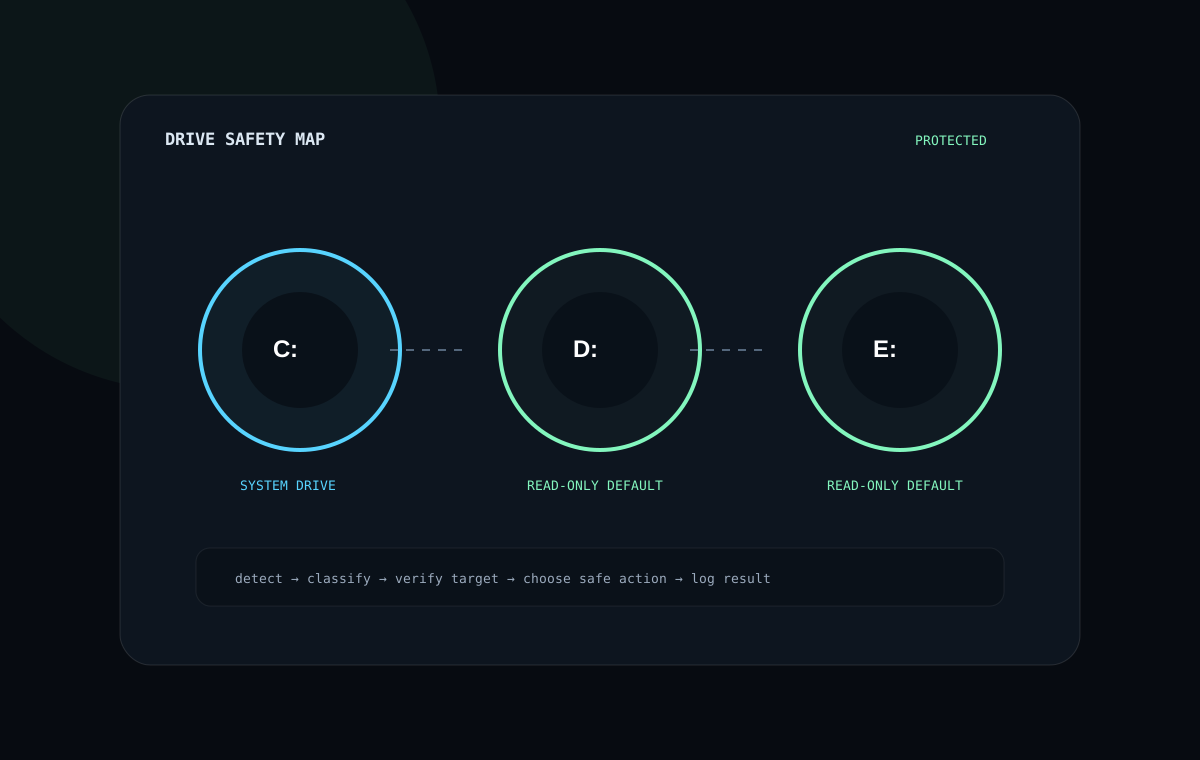
The toolkit detects the Windows system drive, inventories fixed and removable drives, labels their protection state and changes behavior accordingly.
Repair requests against non-system drives are converted into read-only diagnostic scans rather than blindly sending repair switches.
What the toolkit demonstrates
Drive awareness
Builds a usable inventory from Windows system information.
Safer defaults
Non-system drives remain protected from automatic repair switches.
Session evidence
Creates report paths and transcripts for technician review.
Published launcher
Supports a repository-backed remote PowerShell execution path.
Why this matters
The value is not “more commands.” It is reducing the chance of applying the right command to the wrong target while still keeping useful technician workflows fast.
Next iteration
Build out tests around drive selection and failure states, create clearer operator feedback, and decide which features belong here versus the broader Maintenance Toolkit so the two projects have distinct purposes.